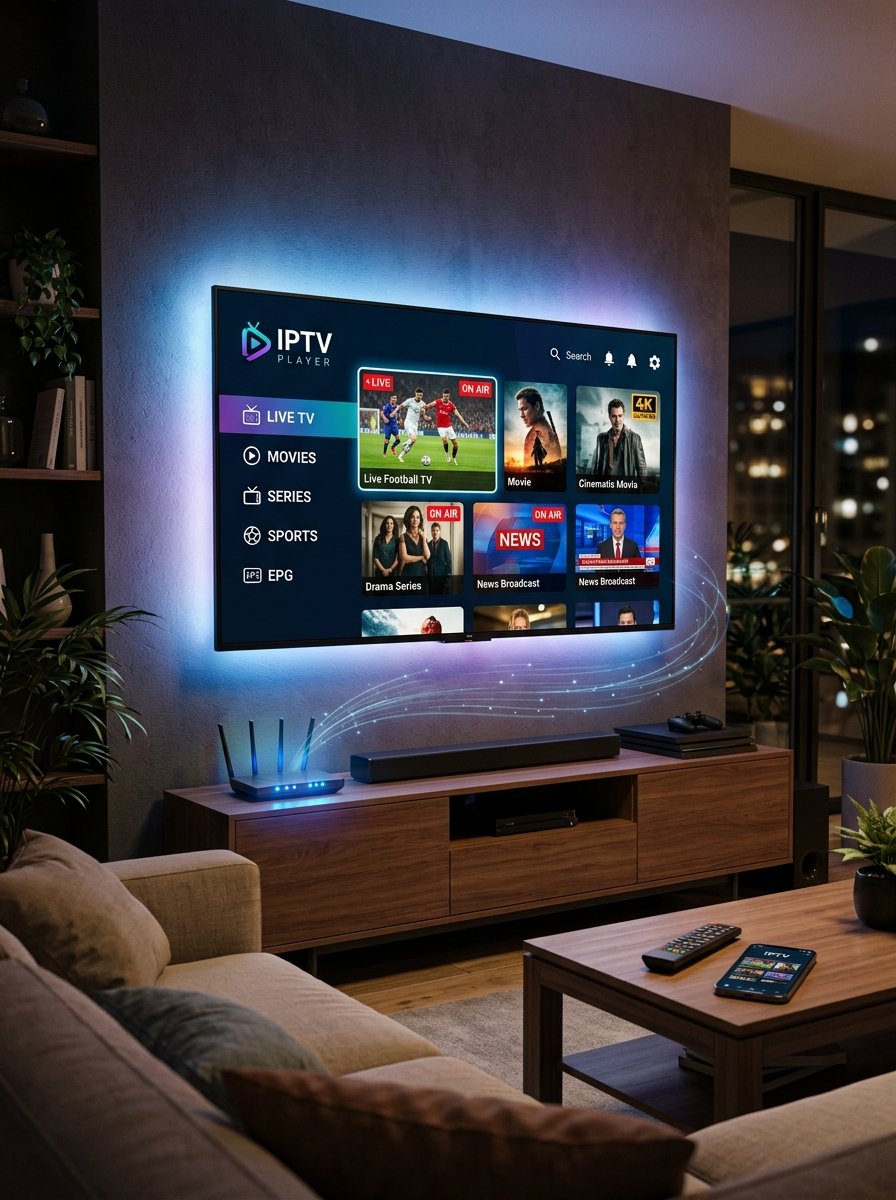

You can use IPTV on a Smart TV without a box if your television supports an app that works with your chosen service. The important detail is your exact TV model—not simply whether it is called a smart TV.
Before buying a streaming stick or subscription, check your TV’s app store, the required login format, and any separate player-app fee.
Here is how to find out whether your existing television is enough.
What Do You Need for Smart TV IPTV?
A working Smart TV IPTV setup needs three things:
- A compatible television: Your model must support a suitable app.
- A player or service app: It must accept the access method supplied with your plan.
- Subscription access: Installing a player does not automatically include channels.
You also need a stable internet connection. Check app availability and compatibility before paying for either the player or the subscription.
Check Your Samsung or LG TV First
For Samsung Smart TV IPTV, search your television’s app store for the exact app recommended for your setup. Samsung’s official app-installation guide explains that installations are limited to apps available in its store.
For LG Smart TV IPTV, check your model’s available apps. LG notes that availability can differ by TV model and region. Follow its official LG TV app guide rather than instructions written for another TV system.
If your television uses another platform, check that platform’s official app store and your model’s documentation. A guide for one operating system may not apply to another.
Confirm These Details Before Setup
Send your provider or setup team the information below:
| Detail | What to confirm |
|---|---|
| TV model | The full model number, not only the brand |
| Location | Your country and app-store region |
| Player app | Its exact name and official installation source |
| Login method | Whether the app accepts the provider’s supplied access format |
| App cost | Whether a separate activation or subscription fee applies |
| Viewing needs | Your must-watch channels, languages, teams, or shows |
Avoid buying an app simply because its name includes “IPTV.” Confirm that it works with the proposed plan first.
Test Before Choosing a Paid Plan
Once compatibility is confirmed, install the recommended app from its official source and follow the instructions for your specific model.
During an available trial, check:
- Whether your requested channels open.
- Picture and sound on your normal internet connection.
- Channel changes using your TV remote.
- Program-guide times and titles.
- Whether the app remains comfortable to use during a full viewing session.
Our 24-hour IPTV trial checklist helps you record the results. A trial shows how the setup performs during testing; it does not guarantee future channel availability or uninterrupted playback.
Get Help Checking Your TV
StreamVision IPTV provides free matching and setup assistance for third-party provider plans. Send us your TV model, location, viewing requirements, and device quantity.
We check available options, explain the plan, and arrange a provider-issued trial when available. No payment or card is required for that trial.
If you choose a paid plan, you pay our team the quoted price. Matching and setup help have no separate fee, hidden commission, or markup. Third-party providers supply the streams; StreamVision does not host or operate them.
When Would You Need a Streaming Stick?
An external device may be useful if your TV lacks a suitable app or cannot run your required setup satisfactorily. Check compatibility before buying extra equipment.
Our IPTV provider guide for Firestick explains what to confirm if you are considering that option.
Smart TV IPTV Questions
Can every smart TV run IPTV without a box?
No. Your model needs a suitable app that supports the chosen service’s access method.
Does an IPTV player include a subscription?
Do not assume so. Confirm the player’s purpose and any separate service or app charges before paying.
Can I use one plan on two TVs?
Confirm the provider’s connection rules. StreamVision prices each paid device separately; simultaneous viewing must be checked for the selected plan.
How can I check my TV with StreamVision?
Contact our setup team with your exact TV model and location. We will check the available options before you choose a plan.