
Comparing IPTV vs cable starts with three questions: what do you watch, how will you watch it, and what will the complete setup cost?
A lower subscription price can be attractive, but check the internet bill, device requirements, channel availability and connection rules before switching.
At StreamVision IPTV, we provide free third-party provider matching and setup assistance. This guide helps you compare a proposed plan with your existing cable arrangement using your own household’s requirements.
IPTV vs Cable: What Are You Comparing?
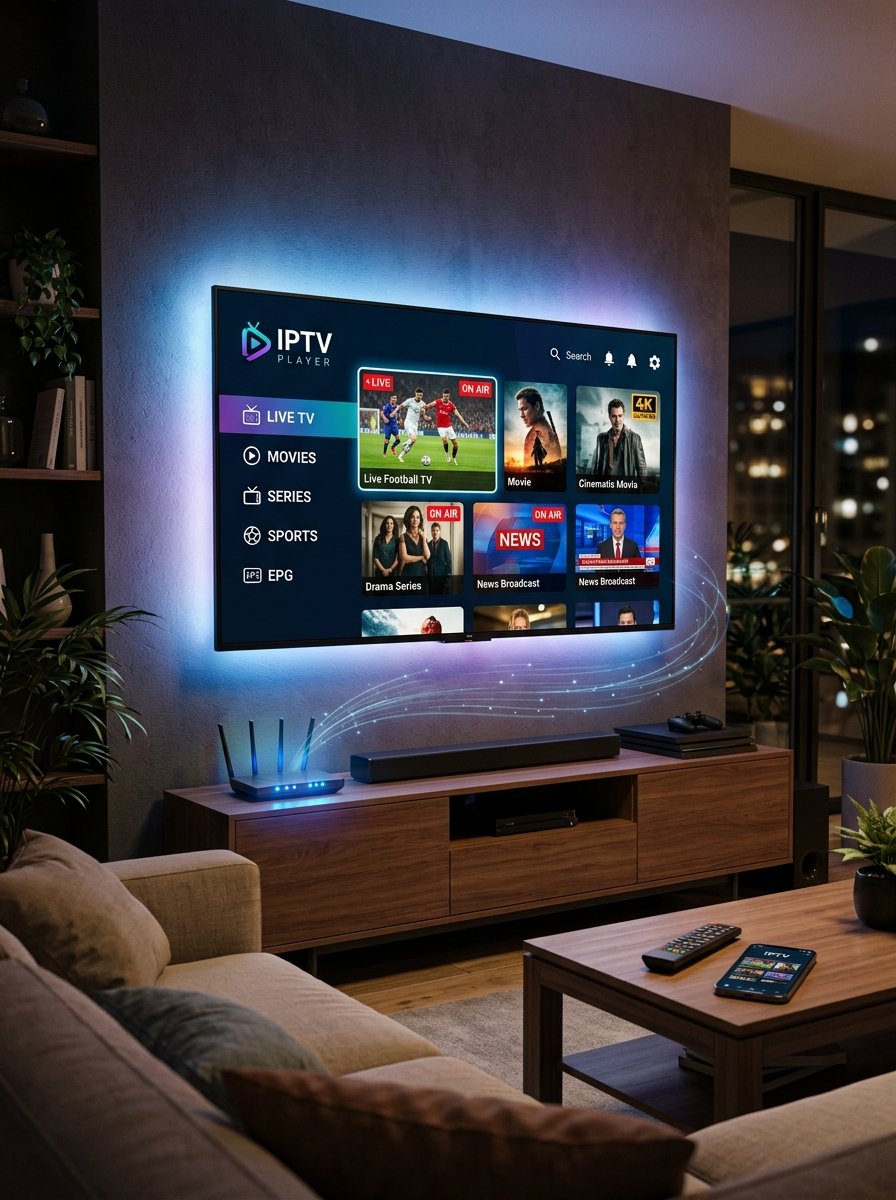
IPTV describes television delivered using internet-protocol networks. In this guide, the comparison is between an app-based provider plan used over your home internet and your existing cable TV package.
The categories can overlap. Cable companies may also offer streaming apps and online viewing. Compare the actual services and terms rather than assuming cable always requires a box or IPTV always works on every device.
| Factor | App-based IPTV plan | Cable TV package |
|---|---|---|
| Viewing setup | Supported device, app and provider access | Provider-supported receiver or app arrangement |
| Connection | Relies on the internet connection used for streaming | Depends on the provider’s delivery method and equipment |
| Channels | Confirm the exact plan and requested feeds | Check the package lineup for your address |
| Multiple screens | Confirm simultaneous-use and network rules | Check extra-TV charges and app-stream limits |
| Total cost | Plan, internet, applicable app and hardware costs | Package, applicable fees, equipment and bundle costs |
| Support | Confirm who handles app, device and service issues | Confirm what the cable provider supports |
No delivery method alone guarantees better picture quality, uninterrupted playback or access to a particular event.
Compare the Complete Cost of IPTV vs Cable
Start with your current bill and request a quote for internet service without the TV package.
Removing TV may change a bundle discount. Do not simply subtract the advertised TV price from your existing combined bill.
For your proposed setup, record:
- Internet: The amount you will actually pay after changing the bundle.
- Provider plan: The full-term price for your paid-device quantity.
- Player app: Any separate activation or premium-feature fee.
- Equipment: Any device or accessory you genuinely need.
- Other charges: Applicable taxes, cancellation charges or equipment-return costs.
Cable bills can also include equipment, broadcast or regional-sports charges. Xfinity’s billing guidance, for example, identifies these types of charges. Check your own quote to see which amounts are included in the headline price.
A Simple Comparison Example
The figures below are illustrative, not a market-average cable price or a savings promise.
Suppose your current TV-and-internet bill is $120 per month, and your quoted internet-only bill is $70.
If you choose a $12.99 one-month provider plan for one paid device, the new recurring total would be:
$70 + $12.99 = $82.99 per month
That is $37.01 less per month before any additional app fees, hardware, taxes or switching costs.
If you need two paid devices, that provider-plan total becomes $25.98, bringing the example recurring total to $95.98.
Use your actual quotes and compare equivalent services before deciding.
StreamVision IPTV Provider-Plan Prices
These are StreamVision’s arranged third-party provider-plan rates in USD for one paid device for the full term.
| Subscription term | Full-term total |
|---|---|
| 1 month | $12.99 |
| 3 months | $34.99 |
| 6 months | $59.99 |
| 12 months | $89.99 |
For multiple paid devices, multiply the selected term price by the quantity. Two paid devices for twelve months cost $179.98.
The annual price is paid for the full term. It is not a monthly installment offer.
Matching and setup assistance are free. You pay the StreamVision team for the selected provider plan, with no separate matching fee, hidden commission or markup.
Our IPTV pricing guide explains term comparisons and device totals.
Compare the Channels You Actually Watch
Make a short list of essential channels, local coverage, sports teams and languages. Check those requirements against each proposed package.
A large advertised channel count does not answer whether your preferred regional feed or event is available.
For sports, ask about the specific coverage you need and any location restrictions. Use our US sports-channel checklist to organize the questions.
Also check provider identity and evidence supporting content-rights claims. Our provider-checking guide explains what to review.
Check Devices, Screens and Everyday Use
Before buying hardware, check whether your existing television supports a suitable setup. Our Smart TV without a box guide helps you assess that option.
Confirm the exact player app and whether it works comfortably with your remote. Ask about guide listings, favorites and any recording or catch-up features you need.
Do not assume those features are included because an app displays them.
If several people watch together, confirm simultaneous-screen limits and household or network restrictions. Our multi-device IPTV guide covers those questions.
Test Before Canceling Your Current TV Service
Where a trial is available, use your normal device and internet connection. Check essential channels, picture, sound, guide information and remote navigation during your usual viewing hours.
StreamVision can arrange a provider-issued free 24-hour trial, subject to availability. No payment or card is required for that trial.
A trial shows the experience during that period. It does not guarantee future performance or independently establish a provider’s distribution rights.
Before canceling cable, confirm the replacement setup, your internet-only price, cancellation terms and any equipment-return requirements.
Which Option Fits Your Household?
Keeping your existing cable arrangement may make sense if its verified channel lineup, equipment and support suit your household and the complete price is acceptable.
An app-based setup may be worth considering if you have suitable internet access, compatible devices and a proposed plan that meets your requirements at an acceptable total cost.
Choose based on the complete comparison: content, usability, terms and cost.
To discuss available options, contact StreamVision IPTV with your device models, US location, viewing requirements and paid-device quantity.
Third-party providers supply the plans and streams. StreamVision coordinates matching, payment and setup assistance; we do not host or operate streams.
Common Questions
Is IPTV always cheaper than cable?
No. Compare the full household cost, including internet, devices, app fees and any changes to bundle discounts.
Do I need to buy a streaming box?
Not necessarily. Check your existing television and the proposed app first. Compatibility depends on the exact device and setup.
Will IPTV have less delay during live sports?
Do not assume so. Delay depends on the source and delivery setup. Our live sports streaming delay guide explains what to check.
Can I keep my internet when canceling cable TV?
Ask your current provider whether internet-only service is available at your address and request the new total in writing.